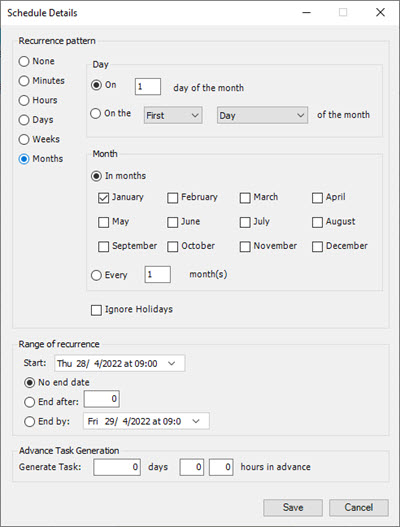
Scheduled Task Template
Due to the complexity of Task Schedules an integrated interface has been created specifically to help manage issue frequencies, start dates and valid time range information.
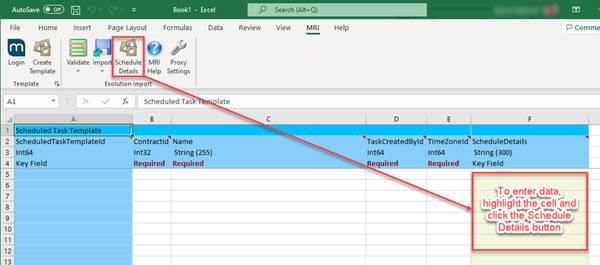
When you choose to create a Scheduled Task Template you can select fields that relate to the Task and the general header information but nothing related to the Schedule. All of these choices are gathered into the ScheduleDetails item which cannot be removed.
Once the Template is created you will see the ScheduleDetails column in the spreadsheet but coloured and read only. To populate these cells highlight them and use the Scheduled Details button.
Pressing the Scheduled Details button opens the following interface. Regardless of the options you choose, clicking the Save button generates a complex series of tags strung together in a sentence. This is interpreted by the Import routine when the spreadsheet contents are imported into MRI Evolution.
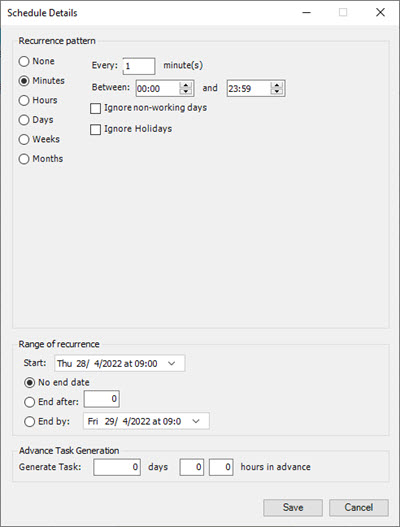
Minutes
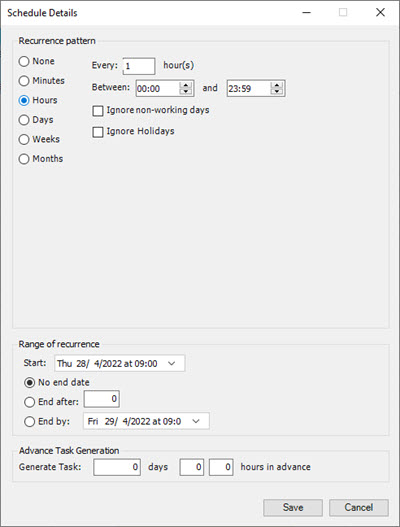
Hours
Days
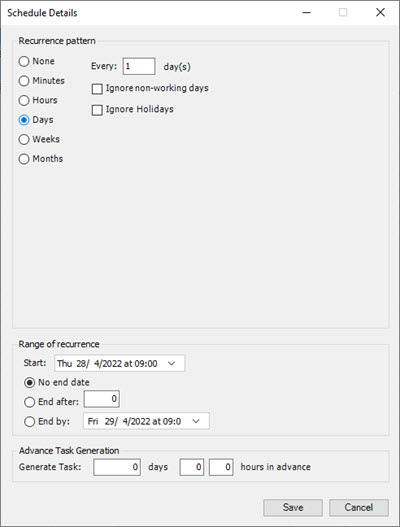
Weeks
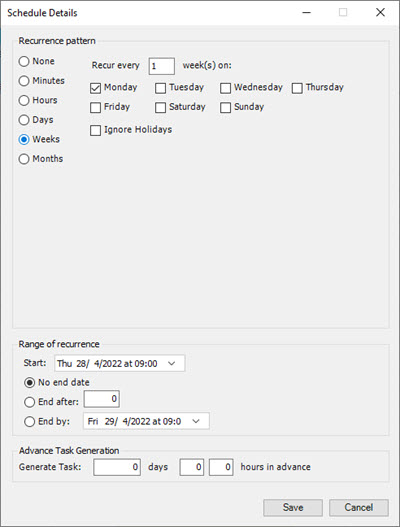
Months