Login
To use the Excel Import Utility you must provide the details of the MRI Evolution system to be updated and to login as an MRI Evolution user account that has been assigned the necessary licence type and Permissions.
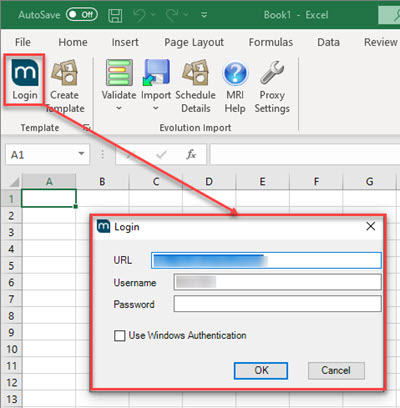
Populate the login fields with the appropriate information:
-
URL - This will be the full URL to the MRI Evolution system to import into. For example: http://prod.fsifm.com/Evolution
-
User Name / Password - The user specified must be assigned an Evolution Import licence type.
-
Use Windows Authentication; if this option is chosen no user name or password are required.
The URL will always be saved locally along with either the user name or Use Windows Authentication flag.
Confirmation
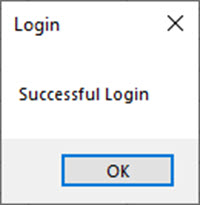
Once logged in a confirmation pop up will be displayed.